What you'll get
You will be able to turn a one line question into a short conversation that ends with an answer you can actually use.
Why one line questions disappoint
Most people use AI the way they use a search engine. They type a short question, read the answer and close the window. The answer is usually fine, but generic, because the AI has no idea who is asking or why.
A colleague would never answer a question that way. They would ask what it is for, who it is going to, and what you have already tried. AI works the same way. The more it knows about your situation, the better its answer, and the easiest way to give it that is to have a conversation.
Here is the kind of message most people send:
Write an email asking for a deadline extension.
And here is the same request with the situation explained:
I manage a small marketing team. We're due to deliver a campaign plan to a client on Friday, but their brand guidelines arrived four days late, so we need until next Wednesday.

Write a short email to the client asking for the extension. Keep it friendly and confident, not apologetic. They are a long standing client and we get on well.
The second version takes thirty seconds longer to write and gives you something you could send.
The four part habit
Explain the situation
Start with two or three sentences of background: who you are, what is going on and who the result is for. Write it the way you would brief a new colleague.
You do not need perfect wording. Rough notes work.
Say what good looks like
Tell it what you want back and how you will judge it. Length, tone, format and anything it must include or avoid.
For example: “Keep it under 150 words”, “Use bullet points I can paste into a slide”, or “Don’t mention pricing”.
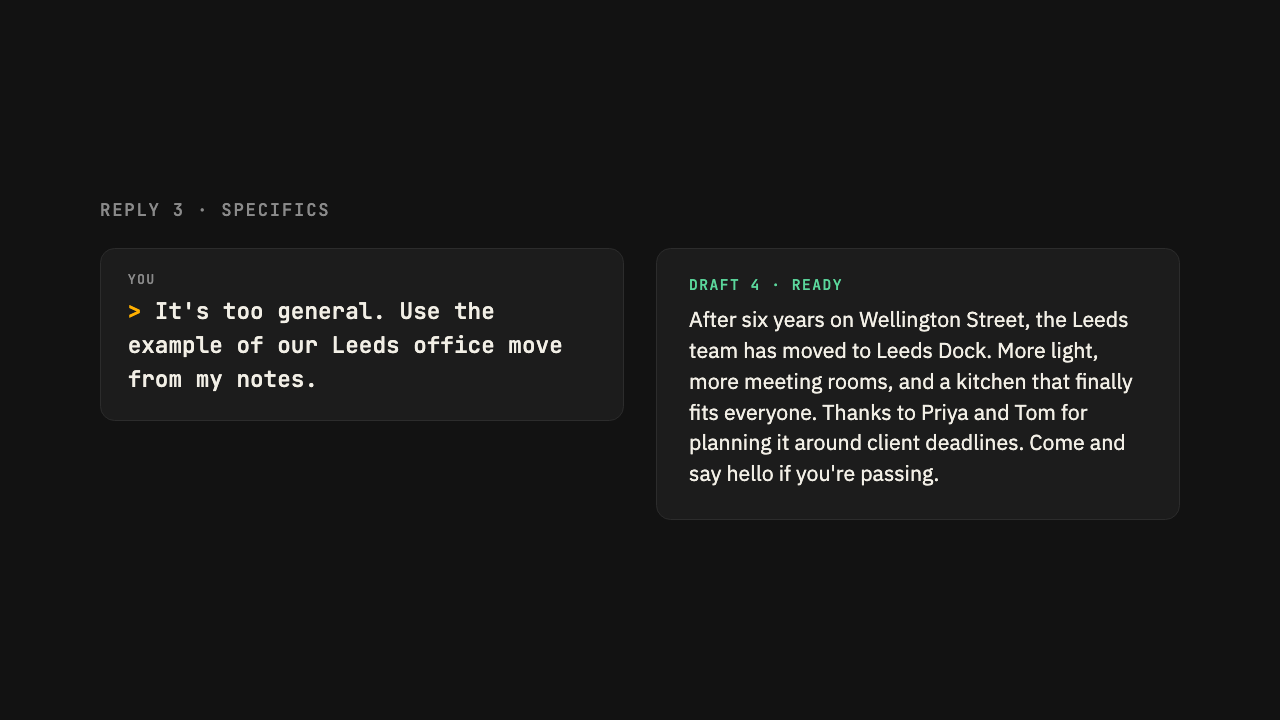
React to the answer
This is the step most people skip. Read the reply and tell it what is right and what is not, the same way you would give feedback to a person.
Try thisThat's close. The second paragraph is too formal, and you've missed that we already agreed the budget. Try again with those changes.
You will usually get a much better second draft than you would by starting again with a new question.
Let it ask you questions
When you are not sure what background matters, hand the job to the AI.
Try thisBefore you answer, ask me any questions you need to give me a really good answer. Ask them one at a time.
Check it worked
Look back at your conversation. If you explained the situation at the start and gave at least one round of feedback, you have the habit. Most people find the second or third reply is the one they use.
Take it to your AI
Copy this into Claude or ChatGPT to get started
This prompt sums up the guide and asks your AI to walk you through it using your own work. Paste it in, then answer its questions.
I want to get better at using you for my work. I've learned that I get better answers when I explain my situation, say what a good result looks like, and then react to your replies like I would with a colleague.

Let's practise on something real. Ask me what I'm working on this week, then help me with one part of it. As we go, point out when more context from me, or pushing back on your answer, would get a better result.
Written for Claude and ChatGPT, Sept 2026
Was this guide useful?
Thanks, that helps us decide what to improve.