What you'll get
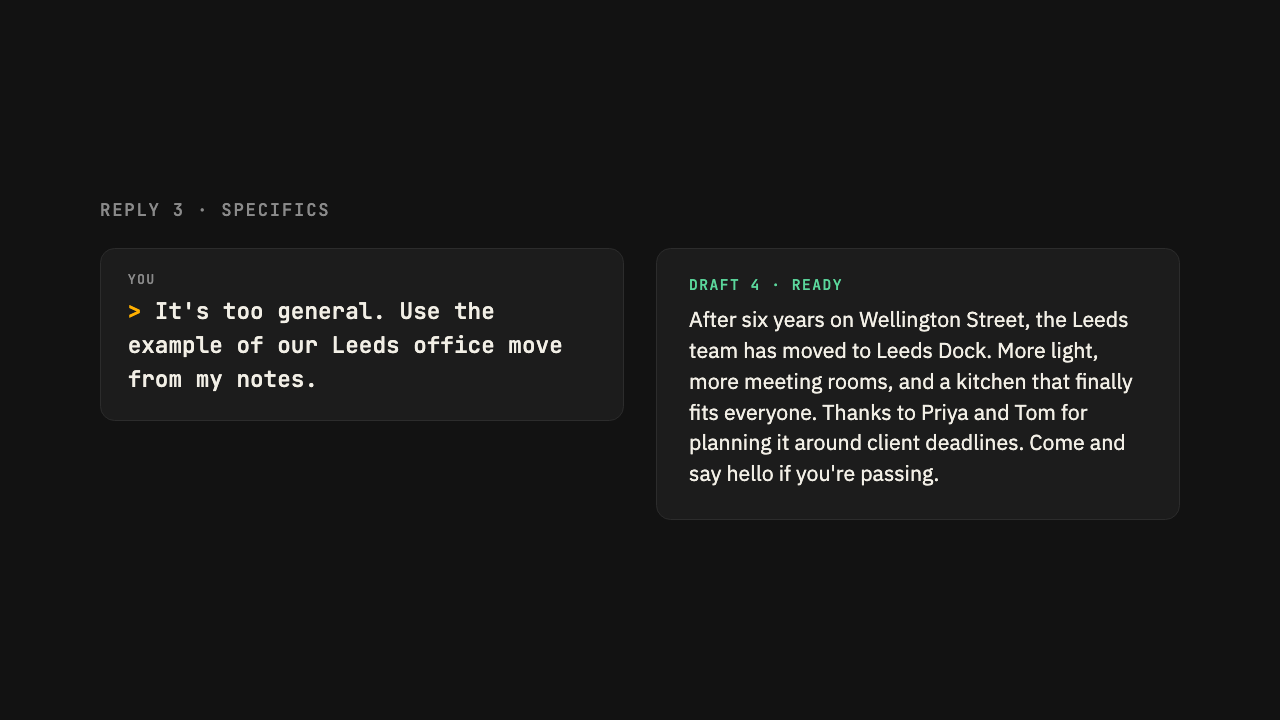
You will have personal instructions set up in Claude or ChatGPT that apply to every conversation, so answers fit you from the first reply.
Instructions or a project?
Personal instructions apply to every conversation. Use them for things that are always true: your role, your spelling preference, how you like answers laid out.
Projects apply only to chats inside them. Use them for a specific client, report or piece of work, with its own files.
Most people benefit from both. Start with personal instructions because they take five minutes.
What to include
Keep it short. Four or five lines is plenty.
I work in operations at a mid sized charity in Bristol. I mostly use you for drafting emails, summarising documents and planning.

Use UK spelling. Keep answers short unless I ask for detail. Use bullet points for lists of more than three items. Don't open with compliments about my question, and ask me a question when you need more information rather than guessing.
Set them up
In Claude
Open your settings
Select your name or initials at the bottom of the left hand sidebar, then Settings.
Go to Account
Choose Account from the settings menu, then scroll to Instructions for Claude.
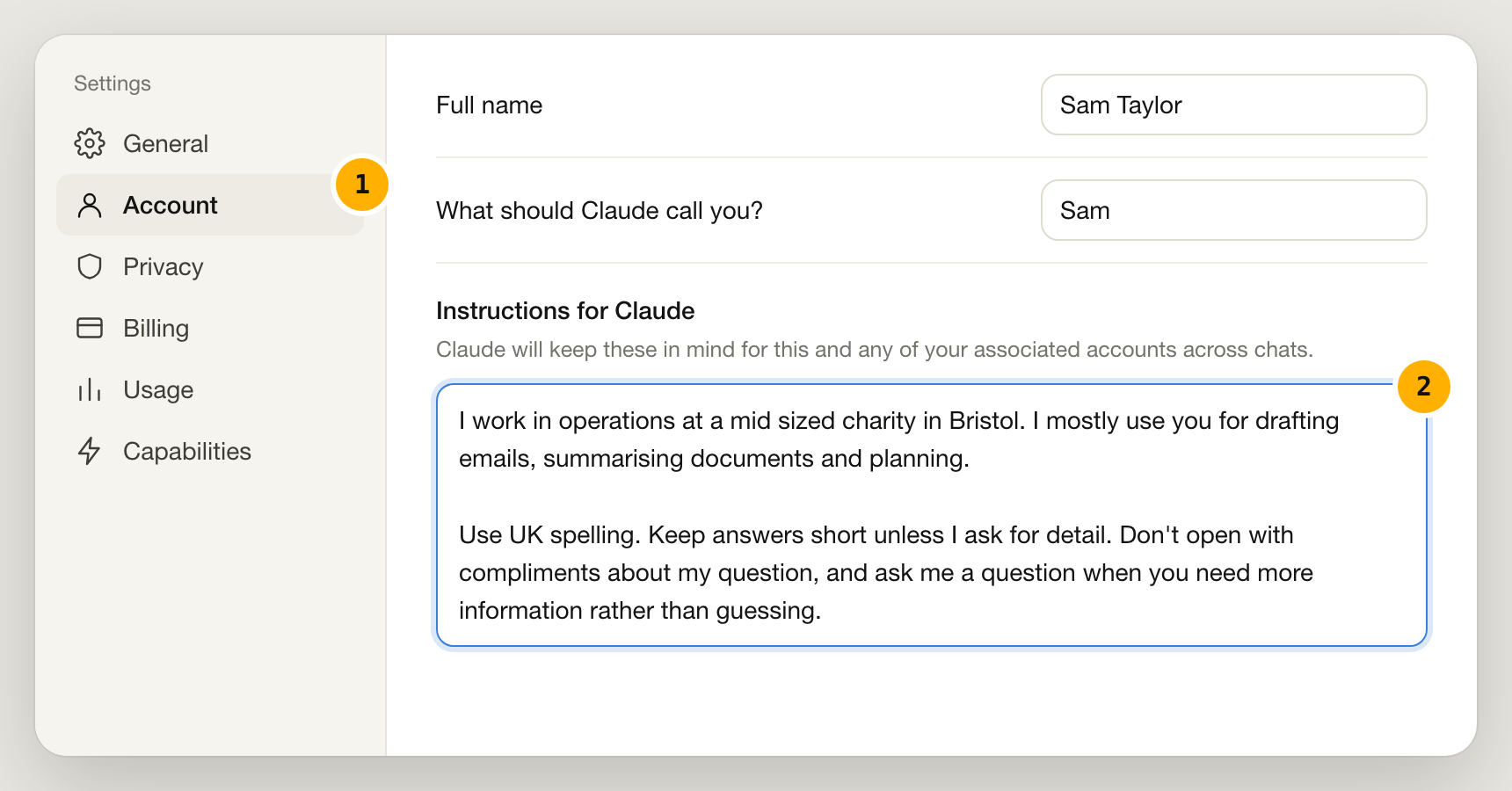
Illustration of Claude's interface, October 2026. Paste and save
Paste your instructions into the box. They apply to new conversations from now on.
In ChatGPT
Open your settings
Select your name or profile picture at the bottom of the left hand sidebar, then Settings.
Open Personalization
Choose Personalization. You will see a box for Custom instructions and one for information about you.
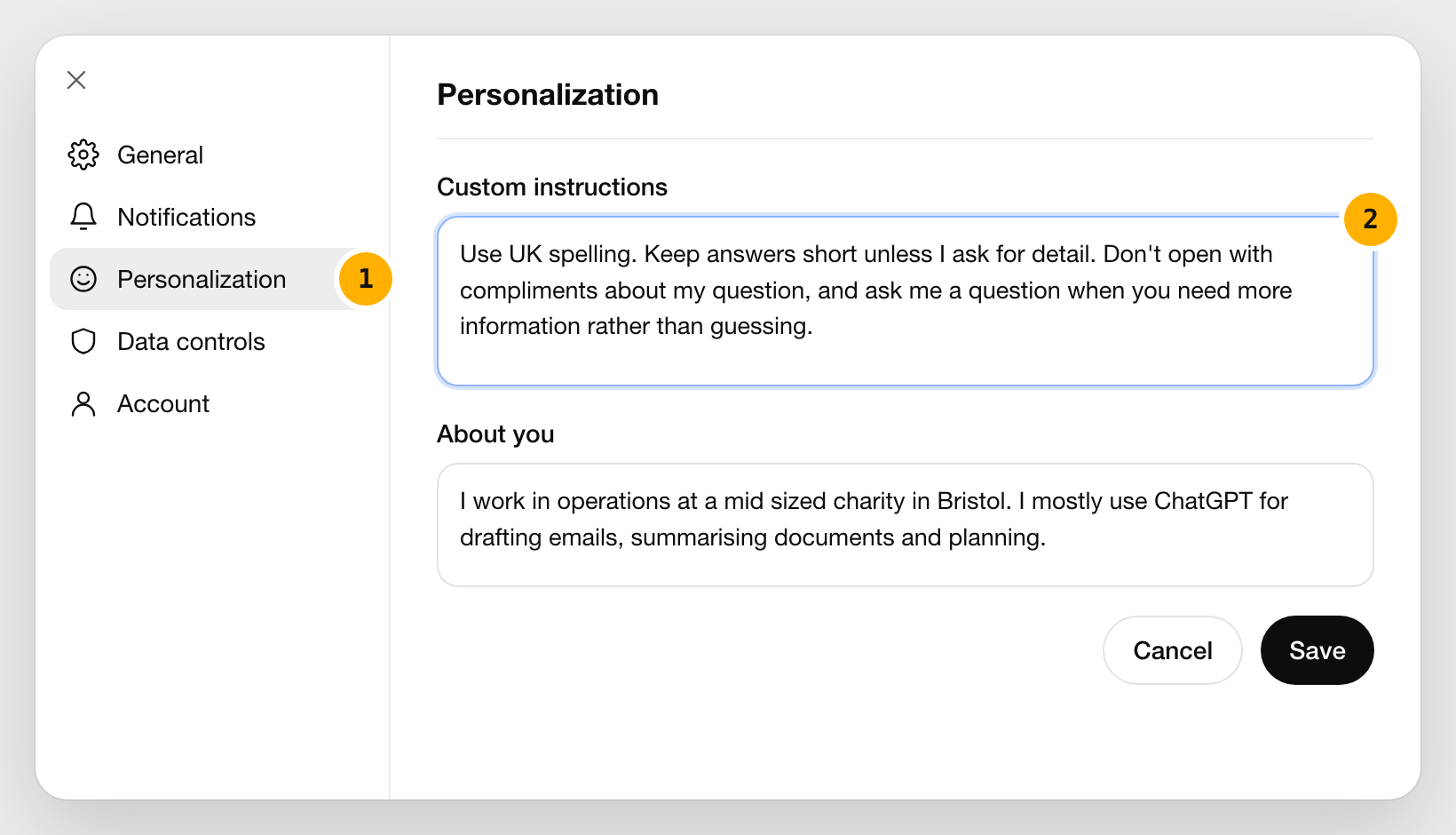
Illustration of ChatGPT's interface, October 2026. Paste and save
Put your answer preferences under custom instructions and the facts about your work under about you, then select Save. They apply to new conversations from now on.
Check it worked
Start a new chat and ask a simple question, such as “Help me write a short email declining a meeting”. The answer should already follow your preferences on spelling, length and tone.
Take it to your AI
Copy this into Claude or ChatGPT to get started
This prompt sums up the guide and asks your AI to walk you through it using your own work. Paste it in, then answer its questions.
I want to write personal instructions that you'll follow in every conversation, so I don't have to explain my preferences each time.

Ask me five questions, one at a time, about my job, what I mostly use you for, how I like answers laid out, the tone I prefer and anything that annoys me in AI answers. Then write my instructions in under 120 words, in the first person, ready to paste into my settings.
Written for Claude and ChatGPT, Oct 2026
Was this guide useful?
Thanks, that helps us decide what to improve.