What you'll get
You will have one weekly task that you now do with AI, a saved prompt for it, and a simple way to find the next one.
Why one task is enough
The people who get the most from AI rarely started with a big plan. They found one boring, repeating job, handed part of it to AI, and kept doing it every week until it became normal. Then they added another.
One task a week that saves twenty minutes is more useful than an impressive experiment you never repeat.
Find your task
The best first tasks have three things in common:
- You do it at least once a week. Repetition is where the time saving comes from.
- It starts from text you already have, such as notes, emails, a document or a spreadsheet export.
- You can check the result quickly. You are the expert. The AI does the first draft.
Common examples: the weekly update to your manager, summarising a long email thread, turning notes into a to do list, drafting a social post from a blog article, or planning next week from your calendar and task list.
Set it up
Write down how you do it now
In a few bullet points, describe how you currently do the task, what goes in and what comes out. This becomes the backbone of your prompt.
Turn it into a reusable prompt
Write the prompt as if you were briefing someone to do the task for you, with a clear space where the week’s material goes.
Example: weekly updateHere are my rough notes from this week. Turn them into my Friday update for my manager. Use three headings: Done, In progress, Need from you. Keep each point to one line. Flag anything that is behind schedule. If something in my notes is unclear, ask me before you write it. Notes: [paste notes here]
Save it where you will find it
Keep the prompt somewhere you will see it at the right moment. A note on your phone works. Better still, put it in the instructions of a project for that task, then you only need to paste in the week’s material.
Put it in your calendar
Add a fifteen minute slot at the time you normally do the task, with the prompt in the description. It sounds small, but it is what turns a good idea into a habit.
Improve it each week
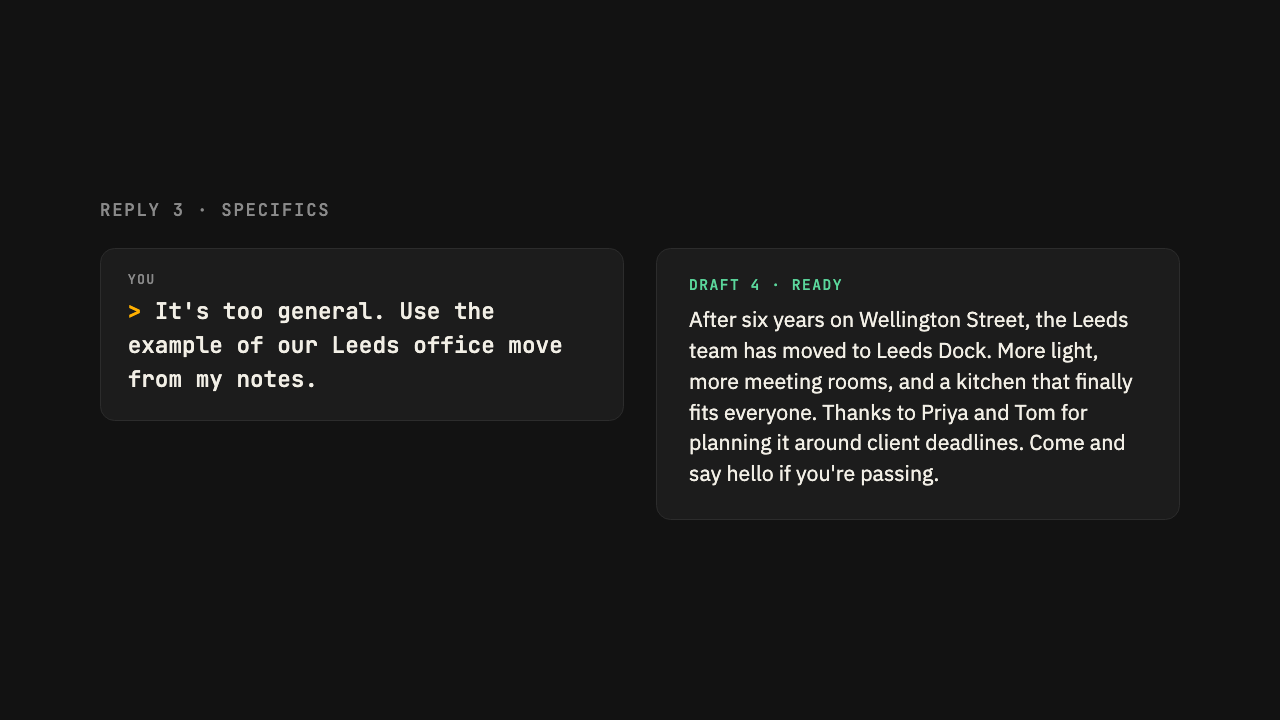
Every time you correct the AI’s output, ask yourself whether a line in the prompt would have avoided it. Add that line. After three or four weeks, the first draft will need very little editing.
Check it worked
After two weeks, ask yourself: did I actually use it both times, and was it quicker than doing it by hand? If yes, it is time to pick task number two. If no, make the prompt simpler or choose a task that comes up more often.
Take it to your AI
Copy this into Claude or ChatGPT to get started
This prompt sums up the guide and asks your AI to walk you through it using your own work. Paste it in, then answer its questions.
I want to build AI into my normal working week, starting with one task. Ask me to describe what a typical week looks like for me, one question at a time.

Then suggest three recurring tasks where you could save me the most time, explain how we would do each one together, and help me write a reusable prompt for the one I pick.
Written for Claude and ChatGPT, Oct 2026
Was this guide useful?
Thanks, that helps us decide what to improve.